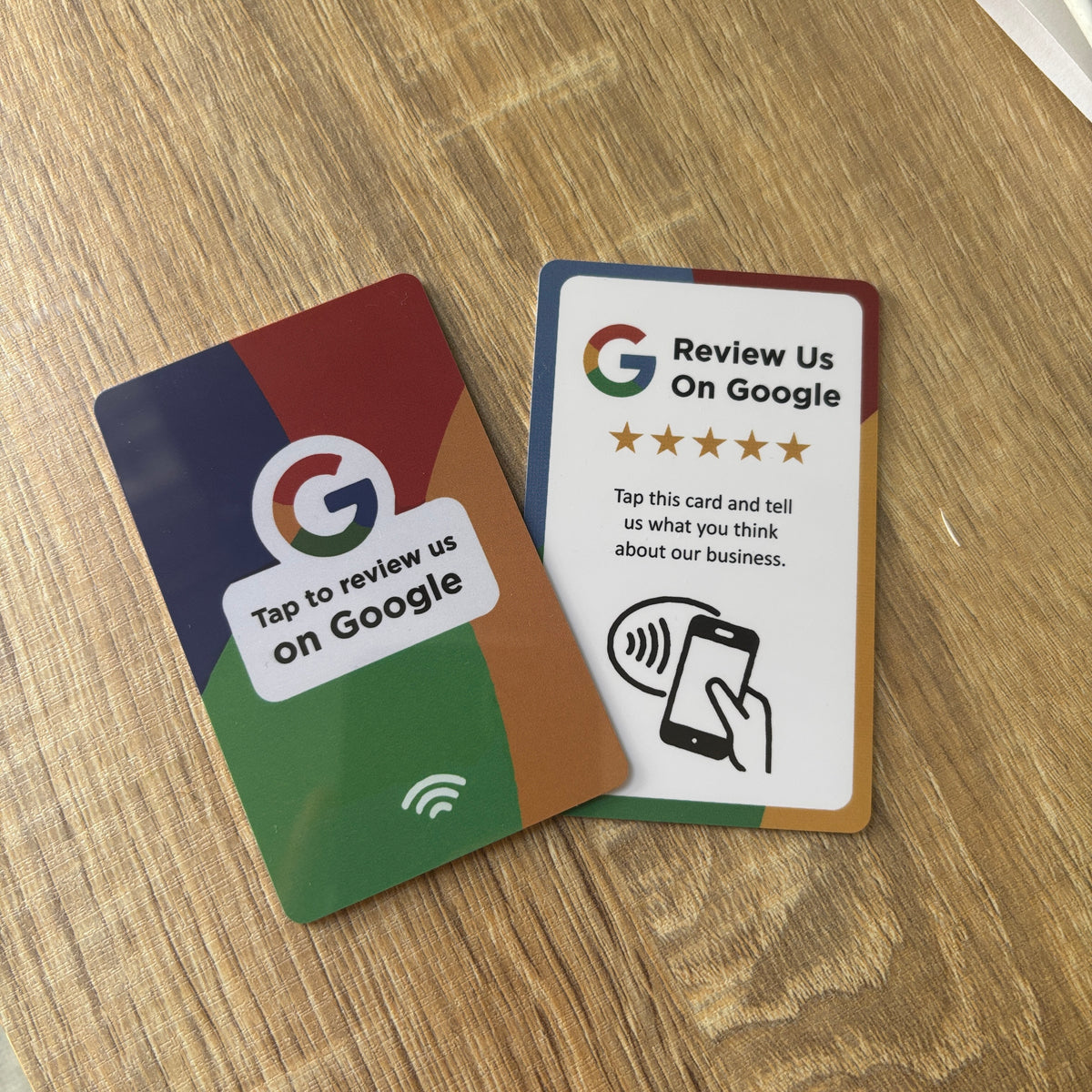
Step by step guide to set up (with pictures)
Don't know how to set up cards for a local business without their google profile?
We got you...
- When you first get your card it will not react as it has not been set up.
- Download 'NFC Tools' on the app store to begin the programme.
- Select 'Write'
- Select 'Add record'
- Select 'URL'
- Input " search.google.com/local/writereview?placeid='
- Search Google Place Finder ID "
- Search the business address you would like to connect. e.g. Prufrock Coffee London 'ChIJac2MJkwbdkgREaRKCWzWrHc'
- Copy everything into the record completely. e.g. 'search.google.com/local/writereview?placeid=ChIJac2MJkwbdkgREaRKCWzWrHc'
- Return to the previous page and hit 'Write'
- Bring the Review card up to your device to connect.
- Done!